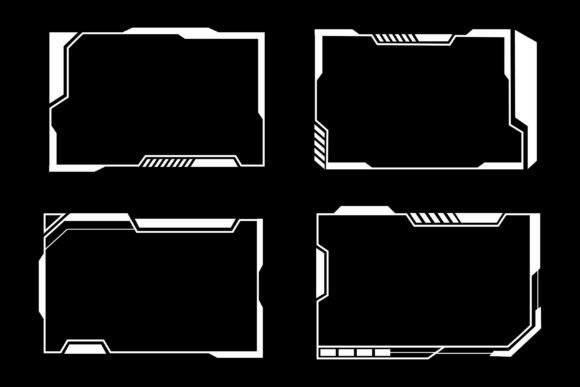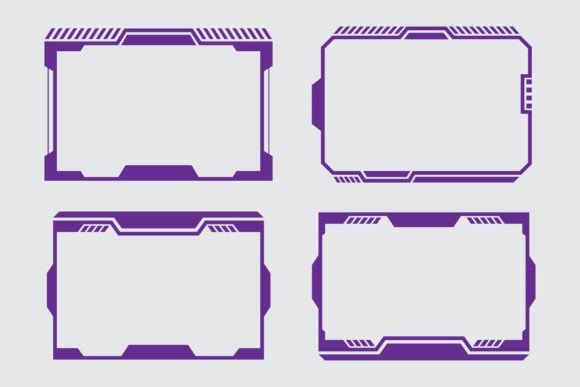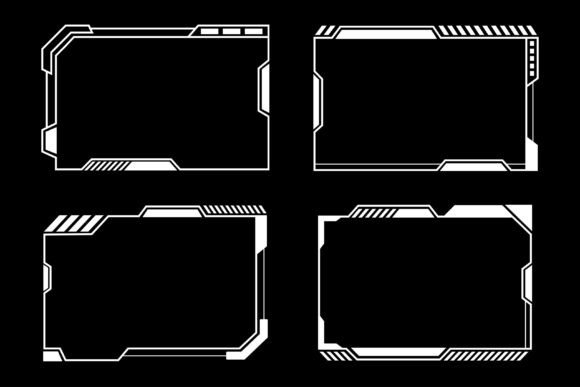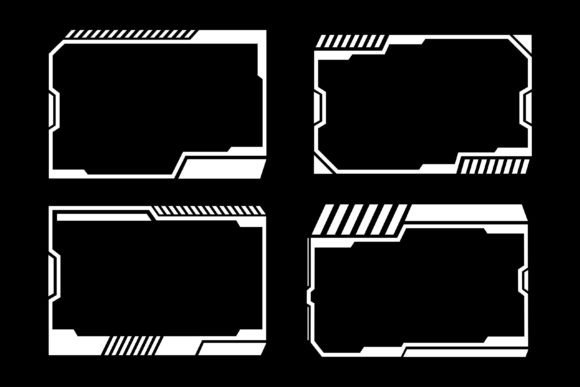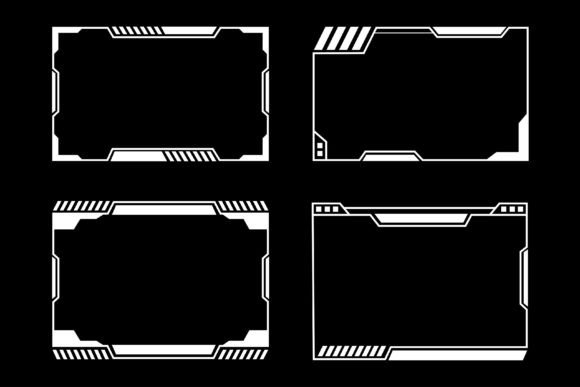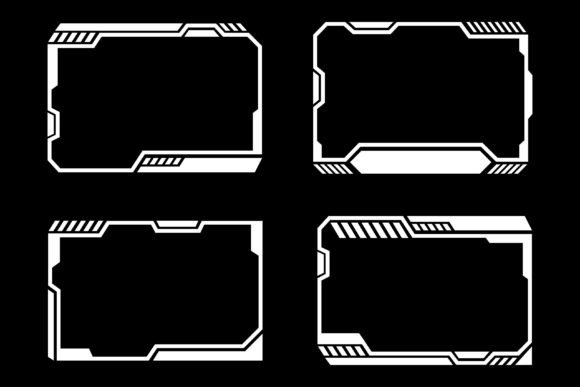
Designing Your Virtual Identity with Hud Frames Futuristic Cyberpunk
When you launch a live stream or record gameplay, the visual wrapper around your content speaks before you do. A stark, empty screen can feel incomplete, while a well-chosen overlay frames your presence and gives the audience an immediate sense of atmosphere. Hud Frames Futuristic Cyberpunk is a collection that leans hard into neon-drenched sci-fi visuals, combining sleek interface elements with the raw energy of cyberpunk art. This isn’t just a set of decorative borders—it’s a full interface design language built for streamers who want their channel to feel like a terminal from a parallel digital future.
What Actually Comes Inside This Streaming Overlay Bundle
The package arrives as a single compressed ZIP file, keeping everything organized and easy to access. Inside, you get two core formats: crisp vector files and ready-to-use JPG renders. The vector source files are the real power tool here. They let you open the designs in Adobe Illustrator, Affinity Designer, or any major vector editing application and change everything. Resize a webcam frame without losing a pixel. Recolor the glowing accents from electric blue to a muted violet to match your brand palette. Move interface widgets, adjust transparency, or even pull apart the shapes to build your own hybrid designs.
For those who need a quick solution, the included JPG files slot directly into OBS Studio, Streamlabs, or any broadcasting software. They already sit on a dark background, so you don’t have to fuss with blending modes to make them work. The dark backdrop naturally recedes, making the vibrant blue, purple, and green overlays pop off the screen. You can drag a chat box frame into your scene, position your camera inside a HUD bracket, and go live within minutes.
The Visual Language of High-Tech Streaming
The Hud Frames Futuristic Cyberpunk collection doesn’t rely on generic sci-fi tropes. It borrows from real interface design principles: directional lines, segmented data blocks, angled cutouts, and status indicators that look like they could be pulling actual telemetry. Each frame element is built with a sense of depth—thin neon strokes overlay thicker opaque structures, and small decorative nodes flicker like active sensors arranged in deliberate patterns.
The blue, purple, and green color scheme is more than an aesthetic choice. Blue carries authority and trust, purple adds mystery and creativity, and green injects that classic cyberpunk terminal vibe. Together they create a balanced spectrum that feels energetic without becoming chaotic. Streamers often use the green accents for interactive elements like alerts or health bar mimics, while the purple and blue dominate static frames to keep the scene readable. This kind of thought-through palette means you don’t have to fight the visuals when adding your own text, facecam, or alert animations—the overlay already knows how to share the spotlight.
Why Vector Format Changes Everything for Customization
Many overlay bundles on the market are locked to raster images. You get a PNG, maybe a PSD with flattened layers, and any attempt to resize or recolor leads to jagged edges or muddy gradients. The inclusion of vector files in this collection completely changes the relationship between you and the design. With a vector editing application, you can pull apart every anchor point, every stroke, every fill.
Need the entire set to fit an ultrawide monitor without stretching? Simply group the elements and scale proportionally. Building a custom scene where the webcam frame needs to be twice as tall? Grab the vector points and extend the brackets. Want to align the color scheme with a sponsor’s branding for a special event? Swap the purple for their hex code in seconds—clean, precise, and ready for production. This turns the bundle from a static asset pack into a living design kit that can evolve as your channel grows.
Even small touches become easy. You can remove individual decorative elements to simplify a frame for minimal overlays. You can duplicate a HUD component and scatter it across the screen to create a denser, more complex dashboard. None of this is locked behind a steep learning curve; basic vector editing skills are enough to start making meaningful changes, and as your comfort grows, so do the possibilities.
Integrating the Overlays into a Live Production Environment
Adding a Hud Frames Futuristic Cyberpunk overlay into your software of choice is direct, but the real craft lies in how you layer it. Most streamers place their facecam inside a dedicated frame, run the chat overlay through a transparent window, and use thin horizon lines as dividers between gameplay and comment sections. The angled nature of the designs works especially well here—they naturally guide the viewer’s eye from the center outward, creating a flow that mimics reading patterns.
For OBS Studio users, the JPG files with dark backgrounds can be added as image sources. Position, scale, and you’re done. But if you want to get more creative, you can break the vector designs into individual components: perhaps one corner bracket as a scene transition cue, another as a starting soon screen accent. The files work cross-platform too. Whether you’re on Windows streaming games, or using a Mac-based creative workflow for art streams, the formats are universally compatible. Just extract the ZIP, drop what you need into your media folders, and start building scenes.
One often-overlooked benefit is how well these overlays handle dynamic content. Alert boxes, subscriber counters, and donation tickers get boxed into segmented sections that look like integrated dashboard modules. The screen starts to feel less like a collage of random graphics and more like a coherent terminal display. And because the colors are distinct but not oversaturated, text readability remains high even against busy gameplay backgrounds.
Flowing from Gaming into Creative and Professional Spaces
While the term “gaming frame design” is in the name, these overlays quietly fit into a much broader spectrum of content creation. Podcast hosts looking for a tech-forward aesthetic can wrap their video feeds in the HUD brackets, giving roundtable discussions a futuristic talk-show feel. Music producers streaming beat-making sessions can surround their DAW interface with the same neon lines, turning the screen into a performance cockpit. Even virtual meetups or tech tutorials gain a sharper identity when the presenter uses a subtle cyberpunk frame around their screen share.
The collection is also a strong option for esports watch parties, where the screen needs to juggle multiple cameras, scoreboards, and game feeds. The segmented design language makes it easy to assign different overlay elements to specific pieces of content, creating a broadcast look without expensive hardware or custom production software.
Teachers and instructors working in virtual classrooms have experimented with these as well. A lightened, simplified vector frame can keep students focused without the visual weight of a full streaming overlay. Because you own the vector files, you can reduce the opacity of the neon glows, change the color to something calmer, and use only the structural brackets to define workspace areas on screen.
Practical Considerations Before You Download and Extract
Since the files come compressed into one ZIP, you’ll need a tool like WinZIP, WinRAR, or the built-in extraction feature on your operating system. A simple double-click on modern Windows or Mac systems usually does the job. Once extracted, the folder structure keeps vectors and JPGs clearly separated, so you aren’t hunting around.
The JPG files are ready for immediate use and don’t require any additional software. However, anyone serious about customization should have access to a vector editor. Adobe Illustrator is the most widely supported, but free alternatives like Inkscape also work with many standard vector formats. You don’t need to be a professional designer to start tweaking—basic tutorials on selecting and recoloring objects can be found in minutes and will unlock the full potential of the bundle.
Keep in mind the dark background assumption. The overlay elements were built with a dark canvas in mind, so if you plan to overlay them on extremely bright scenes, you may need to add a subtle drop shadow or adjust the glow intensity to maintain contrast. In most gaming and streaming setups, this isn’t an issue because dark interfaces naturally reduce eye strain and help viewers focus on the content.
The Advantage of a Cohesive Visual Set Over Piecemeal Assets
Many streamers start by gathering free individual frames from different sources. The result often looks disjointed—mismatched line weights, competing color schemes, and uneven sizing that distracts the audience. A curated bundle like Hud Frames Futuristic Cyberpunk removes that friction entirely. Because every frame, bracket, and data block was designed in the same session by the same artist, thickness, glow intensity, and angular language remain consistent across the entire set. This cohesion subtly signals professionalism, even to viewers who can’t articulate why it looks better.
Consistency also makes scaling your channel’s visual identity easier. When you decide to add a new scene—say a BRB screen or an intermission countdown—you simply reuse or recombine elements from the same bundle. They’ll automatically match existing setups without additional color grading or manual alignment. Over time, this saves hours of fiddling and lets you focus on the content rather than the container.
Making the Futuristic Cyberpunk Aesthetic Work for You Long-Term
Trends in streaming visuals shift, but the cyberpunk look has shown remarkable staying power. It taps into a deep cultural fascination with neon-lit futures, underground digital networks, and the blurred line between human and machine. By choosing a design that’s more about interface structure than fleeting pop-culture references, you invest in an aesthetic that ages gracefully. The HUD frames feel like they could be part of any futuristic interface, from a 1980s vision of cyberspace to the next decade’s augmented reality dashboards.
Think about adaptive uses: during Halloween, you might shift the accent colors toward orange and keep the purple. For charity streams, you could integrate a cause’s color into the vector accents while maintaining the overall cyberpunk skeleton. This kind of flexibility means the purchase isn’t just a one-time decoration but an adaptable resource that can grow alongside your brand for years.
The modern gaming frame design collection lives in that sweet spot where high-tech meets utility. It delivers the flash that catches eyes in a crowded directory, but it does so through design quality rather than gimmicks. The live streaming overlay bundle vector files ensure that as your software and screen resolutions evolve, your visuals can evolve too—without loss of fidelity. Extract the ZIP, open the vectors, and you’re holding the architecture of your on-screen world.