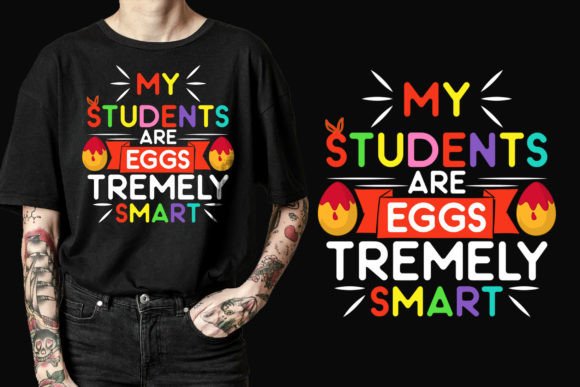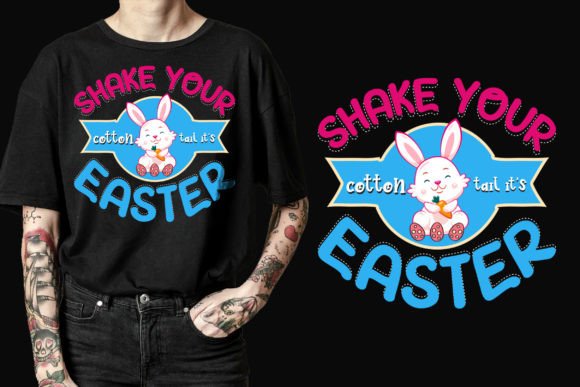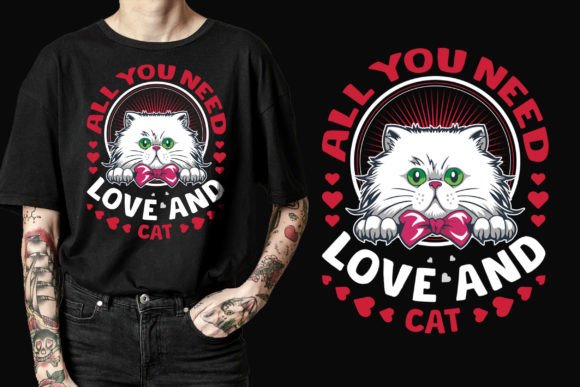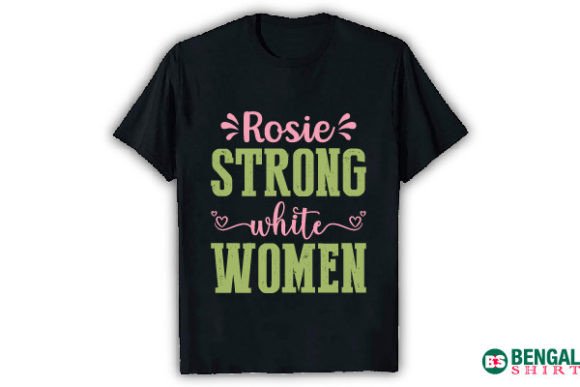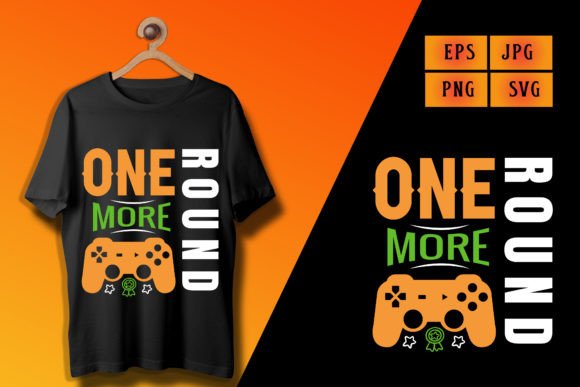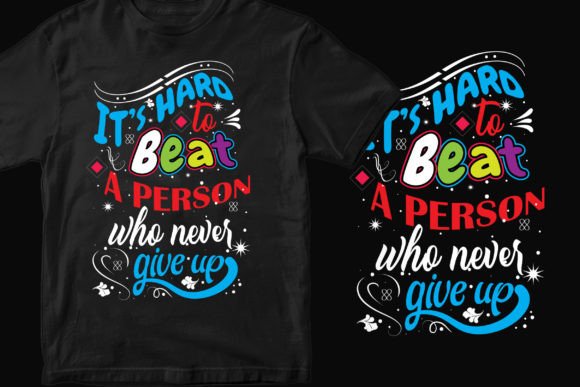
Create an Awesome T-Shirt Design with SVG
When you want a T-shirt that turns heads, the design matters most. One of the most reliable ways to get a crisp, professional result is to start with a well-prepared SVG file. Whether you are printing a single shirt for a hiking trip or launching a full line of gaming merchandise, SVG-based artwork gives you scaleable, print-ready graphics that adapt to any print-on-demand platform, heat press, or cutting machine.
A high-quality T-shirt design SVG is more than a picture. It is a vector format that keeps every edge sharp at any size. Many ready-made design collections bundle multiple file types so you can jump straight into production without wrestling with software. Understanding how these files work, who they help, and what to look for before you download can save time, reduce frustration, and open up creative possibilities you might not have considered.
Why SVG Became the Standard for Custom Apparel
SVG stands for Scalable Vector Graphics. Unlike a photograph made of pixels, an SVG uses mathematical lines and curves. This means you can enlarge a design for a 12×16 inch chest print or shrink it for a sleeve logo without losing sharpness. For T-shirt creators, that flexibility removes guesswork. You never have to worry about blurry edges or jagged outlines when sizing up for different garments.
The format also tends to have small file sizes while supporting transparent backgrounds. That transparency is essential when you want the shirt colour to show through the design, not a white box around it. Most print-on-demand services, including those integrated with major e-commerce platforms, accept SVG or expect you to upload a high-resolution PNG converted from a vector original. Starting with an SVG puts you in control of the final output.
Who Gains the Most from Pre-Designed SVG Bundles
A ready-made T-shirt design SVG isn't just for one type of creator. People use these files for remarkably different reasons, and the value changes depending on your background.
Small business owners and side hustlers frequently build entire merchandise lines around a niche. A bundle of hiking-themed designs, for example, lets someone quickly populate an outdoor apparel shop without hiring a designer for every listing. The ability to open the file, tweak text, and export a PNG means they can test multiple designs in a weekend.
Hobbyists and crafters often pair SVG files with cutting machines like Cricut or Silhouette. They might cut heat transfer vinyl for a personalised family reunion tee or iron on a funny gamer quote for a birthday gift. The immediate satisfaction of a physical result drives this group, and a well-organised SVG that imports cleanly into design software makes the process feel easy rather than technical.
Educators, event coordinators, and non-profit organisers sometimes need a cohesive look for team shirts or awareness campaigns but lack a graphic design budget. They care about speed and simplicity. A single high-quality SVG they can recolour and repurpose across different shirt colours is worth far more than a complicated editing tool they have no time to learn.
Graphic designers and agencies may use royalty-free SVG artwork as a starting point for client work. They might need a set of typography elements for a brand launch or a versatile logo mark that works on apparel and mugs. Having an editable vector already structured in layers or groups cuts hours off a project.
How Different Users Evaluate Quality and Fit
Not everyone looks for the same thing when choosing a T-shirt design SVG. Your priorities shape what you are willing to accept and what you consider a dealbreaker.
- Ease of use: Beginners and casual users want files that work immediately. They look for transparent PNGs at 300 DPI and simple SVGs that don't require complicated ungrouping or font substitution. A bundled AI or EPS file is less important if they never open Adobe Illustrator.
- Cost efficiency: Entrepreneurs and print-on-demand sellers often need many designs at a low per-unit price. They might evaluate a collection based on how many usable motifs they get after unzipping. If a single download contains ten designs that sell on multiple products, the value multiplies.
- Print quality: Anyone ordering direct-to-garment prints or screen transfers cares about resolution. A 4500×5400 pixel PNG at 300 DPI ensures the design looks crisp even at larger print areas. This is non-negotiable for sellers who live and die by product reviews.
- Flexibility: Professional users or makers who plan to modify the art lean heavily on the original vector formats. An AI or EPS file with outlined text and properly closed paths lets them change colours, add effects, or combine elements without rebuilding anything.
- Reliability: Consumers and one-time buyers simply want a file that downloads and extracts without errors. A clear file list and a compressed ZIP folder with standard formats reduce anxiety for people who are not tech-savvy.
Practical Examples of Putting Your SVG to Work
Think about a hiking enthusiast who wants to create a custom shirt for a group trek. They download a design pack that includes an SVG, a transparent PNG, and a PDF. The PNG goes straight onto a mockup for approval, while the SVG gets uploaded to a cutting machine software to iron a vinyl version onto a performance tee. Later, they use the same design on a camp mug and a tote bag because the vector scales perfectly.
Now consider a gaming content creator building a small merchandise store. They need bold, typography-driven shirts that resonate with stream viewers. A bulk design bundle with phrases and gamer-related graphics gives them enough variety to launch ten listings at once. They can test which designs get the most engagement without investing in custom illustration.
A local bakery owner might use a single elegant typography SVG to print aprons and T-shirts for staff. They open the file, replace the default text with their shop name, and export a print-ready PDF. The entire process takes under ten minutes, and the result looks professionally branded.
What to Check Before You Use a Design File
Even a great-looking preview can hide problems. Here are a few points to examine before committing a design to your final product:
- Transparency: Open the PNG. The background should be completely see-through—usually shown as a checkered canvas in image editors. A white or solid background means extra work to isolate the design.
- DPI and dimensions: A 300 DPI file at 4500×5400 pixels gives you plenty of room. Lower resolutions can look pixelated on larger prints. The included PDF and EPS should maintain crisp vectors regardless of export settings.
- File variety: A good bundle includes multiple formats because different production methods have different requirements. An AI file for advanced editing, an SVG for web or cutting software, a high-res PNG for quick uploads, and a PDF for direct printing cover almost every scenario.
- Usage rights: Look for clear commercial or personal use terms. Print-on-demand sellers need the green light to put the design on products they sell. Without proper rights, you risk takedowns or legal trouble.
Turning a Design Into a Product-Ready Asset
After you extract the ZIP, you might only use one or two files, but the others serve as backups. If you are printing with Printful, you may upload the PNG directly. For Amazon Merch, the 4500×5400 pixel PNG at 300 DPI matches their recommended specs well. For Teespring, similar raster requirements apply. Compatibility across platforms means you don't need to keep re-exporting for each service.
Some creators prefer to embed the SVG into design software like Affinity Designer or Inkscape, tweak the colours, save a new version, and then export exactly what they need. Others simply take the included PDF and send it to a local screen printer. The route you choose depends on your comfort with tools and the specific demands of your production partner.
Niche Design Styles and How They Attract Different Buyers
The topic or aesthetic of the design often decides where it will sell. Hiking and outdoor designs—think mountain silhouettes, compass emblems, or trail quotes—attract campers, adventurers, and nature lovers. Gaming themes pull in audiences from streaming, competitive play, or casual mobile gaming. Typography-driven shirts with bold motivational or humorous phrases appeal to a broad crowd who want to wear their mood or mantra.
If you are building a personal brand, a logo-style SVG in these packs can be a stepping stone to more polished visuals. A basic badge layout that you customise with your own text feels cohesive and professional on merchandise, even if you are not a trained designer.
Who Should Skip Ready-Made SVGs and Why
While pre-designed files work for many people, they are not a universal fit. If your entire brand relies on a one-of-a-kind illustrative style, a generic SVG may dilute your identity. In that case, hiring an illustrator or learning to create your own vectors makes more sense. If you are building a highly specific parody or trademark-sensitive design, a ready-made bundle is unlikely to match your exact legal and creative requirements.
Also, if you enjoy learning every nuance of vector illustration, starting from scratch with the pen tool educates you in ways a finished file never will. For educators teaching graphic design, it might be more valuable to deconstruct a beginner-friendly SVG than to use a complex, layered AI file.
How to Get the Most Out of Your Download Without Experience
New users often worry about file extraction and compatibility. The ZIP compression used by most designers is standard, and operating systems like Windows and macOS unzip files with a double-click. After extraction, you can match the file format to your goal: SVG for your cutting machine, PNG for your print-on-demand store, and PDF if you need a flat document for a local print shop.
If a design comes at 12″ x 16″ at 300 DPI, that physical print size covers most adult garment print areas without scaling up. You can also place the graphic on mugs, pillows, or bags without distortion. The transparent background ensures you never get an unwanted white square around the art.
Creators with a little more experience might use the included AI or EPS file to animate the design for a social media post or turn it into a sticker mockup. Because vector data is resolution-independent, you can repurpose it endlessly across digital and physical products.
Deciding if This Approach Fits Your T-Shirt Project
Ask yourself what matters most right now. If you need a fast, reliable way to test a product idea, a set of well-made SVG designs is a low-risk entry point. If you are a hobbyist who wants to make something memorable for friends or a community event, the convenience of ready-to-iron or print files outweighs the need for complete originality. If you are an experienced seller planning multiple niche stores, bundling several themed packs lets you stock a diverse catalogue quickly.
On the other hand, if your goal is to stand out with completely unique, custom-illustrated apparel, treat SVG bundles as inspiration or as components you modify heavily. The final output should reflect your voice, not just a generic emblem. The key is knowing when to start from a template and when to push deeper into your own creativity.